
A designation is a job title — Manager, Senior, Intern. The catalogue lives at Settings → Designations, and every employee record picks from it.
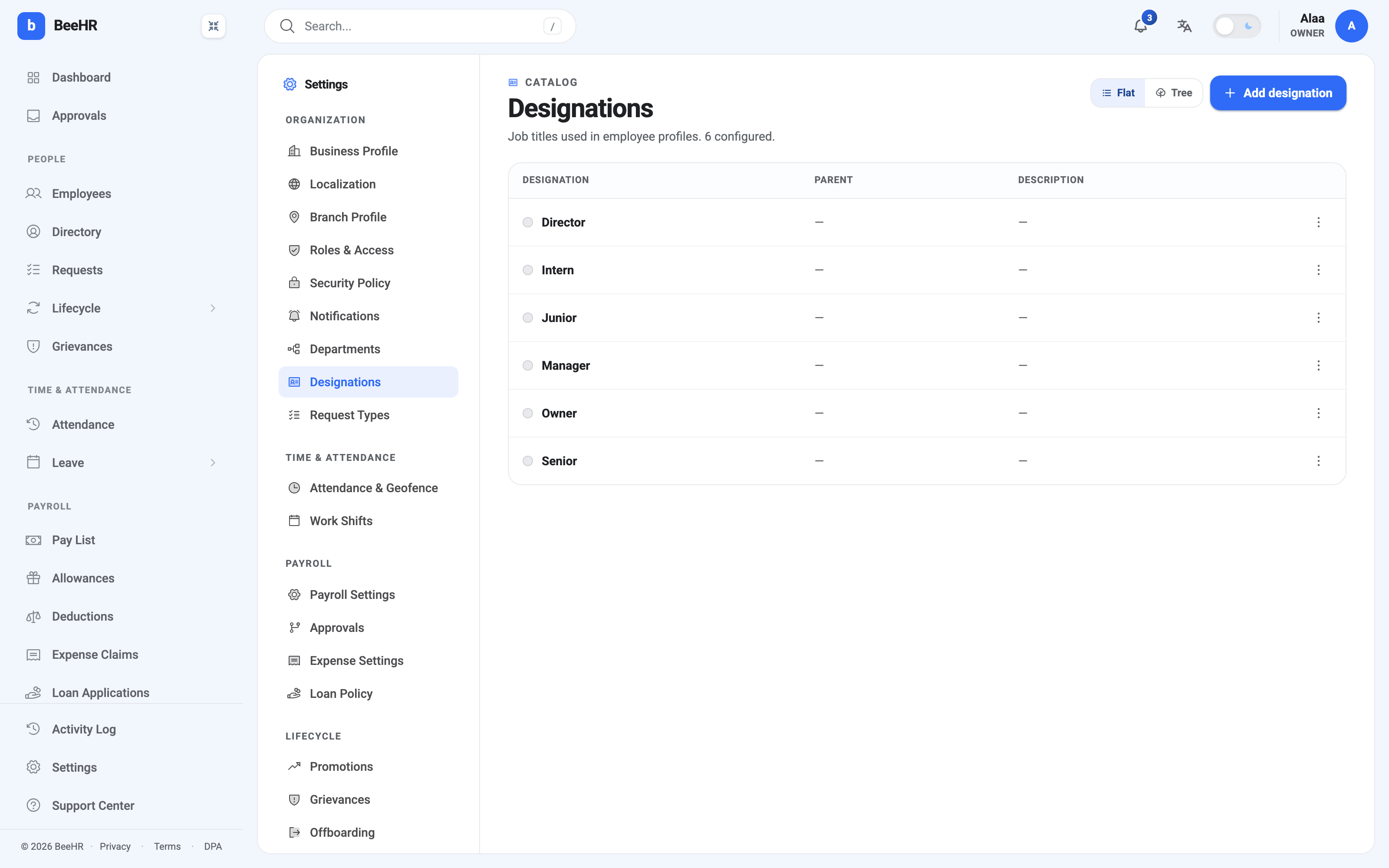
Designation, department, role
Three fields that sound similar and do entirely different jobs. Worth getting straight once:
| Answers | Example | |
|---|---|---|
| Designation | What is their job title? | Senior |
| Department | Which part of the company? | Engineering |
| Role | What can they do in BeeHR? | HR Manager |
A designation grants nothing. Somebody titled Director has exactly the permissions their role carries, and calling them a Director changes no access whatsoever. If you want a title to come with authority, that’s a role, assigned separately.
The parent field
Every designation can name a parent, which turns the flat list into a hierarchy — Junior under Senior, Senior under Manager, and so on. The Tree switch at the top right shows it as an indented structure instead of a table.
In the account above, no parent is set on anything, so both views look much the same. That’s a perfectly workable state: the hierarchy is optional, and a company whose titles don’t form a clean ladder is better off leaving it flat than inventing one.
Where it earns its place is a company with real progression tiers, because a parented list describes the ladder explicitly and gives promotion decisions an obvious next rung.
Two things the parent field does not do: it doesn’t create reporting lines — that’s the reporting manager on an employee record — and it doesn’t restrict promotions to the next rung up.
Adding, renaming, removing
Add designation takes a name, an optional parent and an optional description.
Renaming is safe. Records reference the designation by id, so everyone holding the title moves with it and history stays intact.
Deleting should follow the same order as departments: retitle the people first, confirm nobody holds it, then delete. A designation with a child designation under it needs the child dealt with too, or you leave an orphan pointing at nothing.
Keeping the list honest
Job titles sprawl faster than departments, because a title feels like a cheap way to recognise somebody. A catalogue with Senior Engineer, Sr. Engineer and Engineer II in it isn’t describing three jobs; it’s describing one job that three people negotiated separately.
Two habits keep it usable:
One title per rung, not per person. If only one person will ever hold it, it’s probably not a designation.
Decide whether it’s a ladder before you start parenting. A half-parented list is worse than a flat one — the tree view implies a structure that the unparented half contradicts.
Designations feed promotions: a promotion moves somebody from one designation to another and records it. See How Promotions Work.